



Motion’s strength is automatic time-blocking: it places your tasks on your calendar, reshuffles them when plans change and warns you days ahead when something is at risk. It adds full project management, a notetaker and native iOS and Android apps.
The Motion alternative for hands‑on business owners
Motion is an auto-scheduling planner that builds your day around the tasks and projects you give it. readywhen is the personal assistant for hands-on business owners: it notices what you’ve promised across your email, calendar and chats, and drafts the next step.
Quick answer
Motion is a planner and project tool: give it tasks, priorities and deadlines and it time-blocks them onto your calendar and re-plans as things change. readywhen does the part before that. It catches what you’ve promised and what others owe you in your email, calendar, chats and meeting notes, drafts the reply or the chase, and manages your diary. You call it, voice-note it, message it or email it. If you already keep a tidy task list, Motion is excellent at fitting it into your week.
Who this page is for
Hands-on business owners weighing an AI planner against a personal assistant, and asking which one actually stops things slipping when the to-dos are buried in their inbox.
What makes readywhen different
The core difference

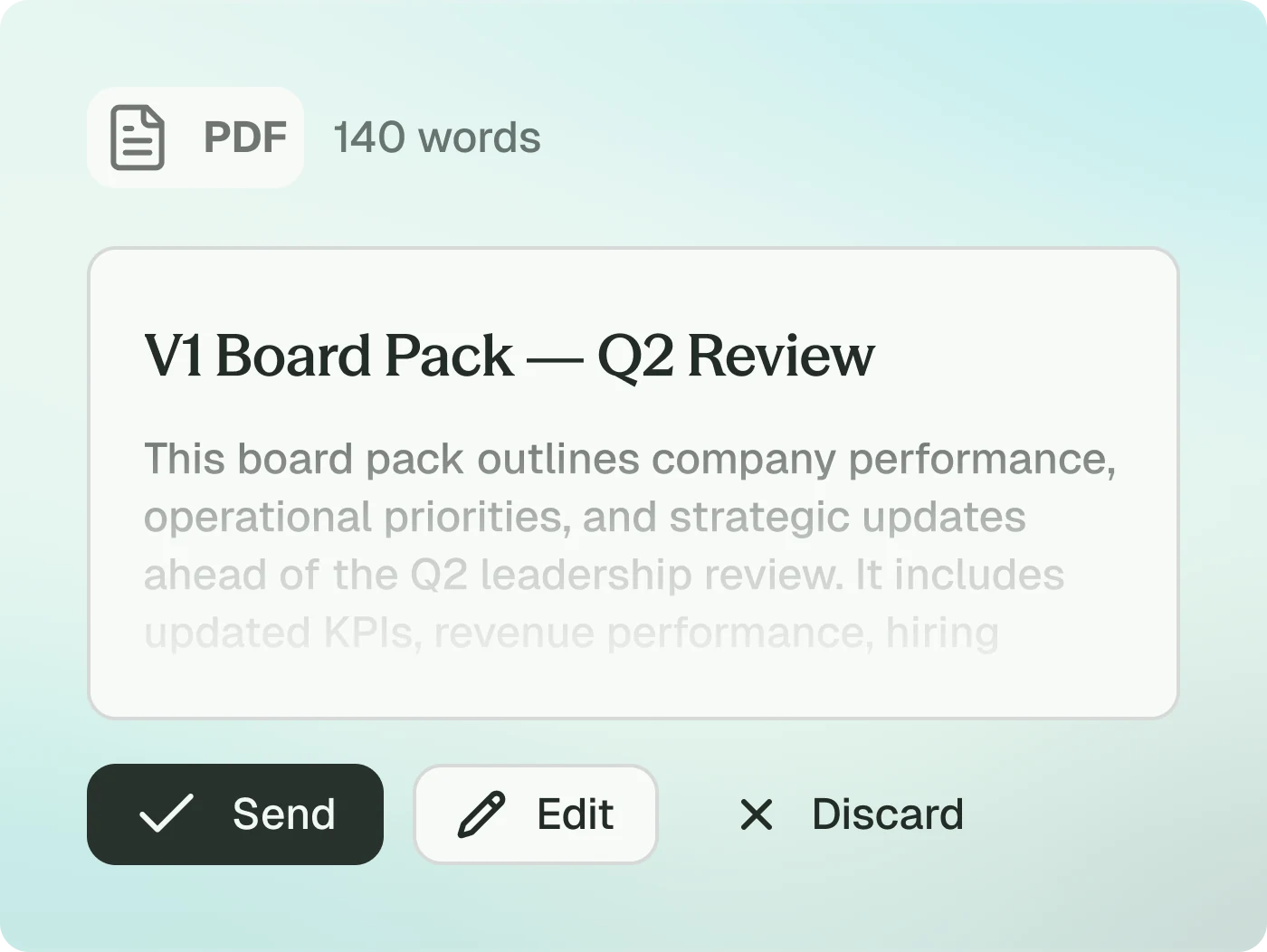
readywhen doesn’t need a task list fed to it. It already knows what you’ve promised across your tools, comes to you with what matters and has the reply or chase drafted for your OK. It manages your calendar too, but you talk to it like a PA: call, voice-note, message or email.
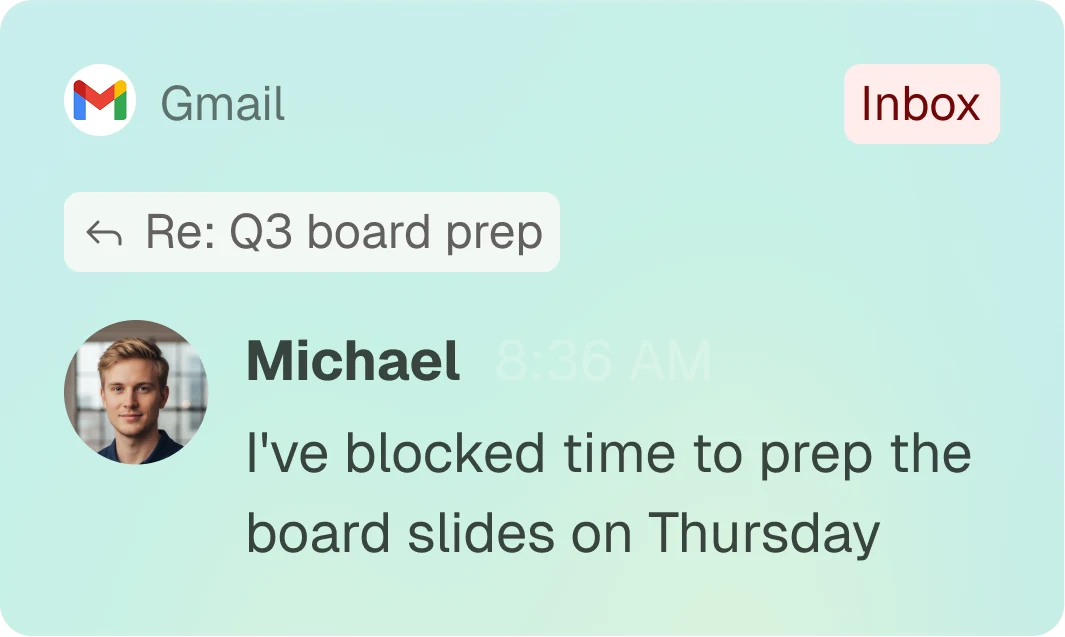
You’ve solved “when will I get my tasks done?” You haven’t solved “what did I promise in that email last Tuesday, and who’s still waiting?”
Side by side
Feature comparison
Capability
At a glance
Primary job
Where the to-dos come from
Replies and chases
How you reach it
Setup
Designed for

Personal assistant for one owner
Caught from your email, calendar, chats and notes
Drafted in your voice, for your OK
Call, voice-note, iPhone app, email, web, Slack
Email it and you have an account
Hands-on business owners
Motion
Auto-schedule tasks and projects onto your calendar
Tasks you enter, forward by email or create from Slack
AI Chat can draft email; it doesn’t chase for you
Web, desktop, iOS and Android apps, Siri
Workspaces, projects, priorities and deadlines
Professionals and teams running projects
Where Motion excels
Motion is genuinely best-in-class at turning a task list into a realistic calendar and re-planning it as the day changes. It also has Gantt charts, dashboards, capacity planning and time tracking. A team that runs projects in Motion gets far more structure than readywhen offers.
“If you know your tasks but can’t find the time, Motion is one of the best tools for fitting them into your week.”
Where Motion is different
Motion assumes you’ll feed and maintain a task system. It doesn’t notice commitments in your inbox on its own or chase people for you, and email reaches it only as “forward to make a task”.
“Motion plans the work you’ve written down; readywhen finds the work you forgot to write down.”
FAQ
Doesn’t Motion manage my tasks?
It schedules and tracks the tasks you give it, including ones you forward from email or create from Slack. It doesn’t read your inbox to find what you’ve promised or who owes you a reply. That’s readywhen’s job.
Does readywhen manage my calendar?
Yes. It manages your calendar and preps you for meetings. It isn’t a project planner, though: it won’t time-block a project plan or draw a Gantt chart the way Motion does.
Can I use both?
Yes. readywhen catches what you’ve promised and drafts the replies and chases; Motion can schedule the bigger pieces of work into your week. They do different jobs.
Should I choose Motion or readywhen?
Pick by the job you need doing. Choose Motion if your problem is “I know what to do but can’t find the time for it.” Choose readywhen if your problem is “things I agreed in email, calls and chats never get caught or chased.”