


Asana’s model is the project: owners, due dates, dependencies. AI Teammates and Dash are strong because that structure is there, and they work across a team with shared context, checkpoints and governance.
The Asana alternative for hands‑on business owners
Asana is a strong home for team projects, with AI Teammates and Dash working on what’s in it. readywhen is the personal assistant for hands-on business owners: call it, voice-note it, message it or email it, and it has the next step drafted.
Quick answer
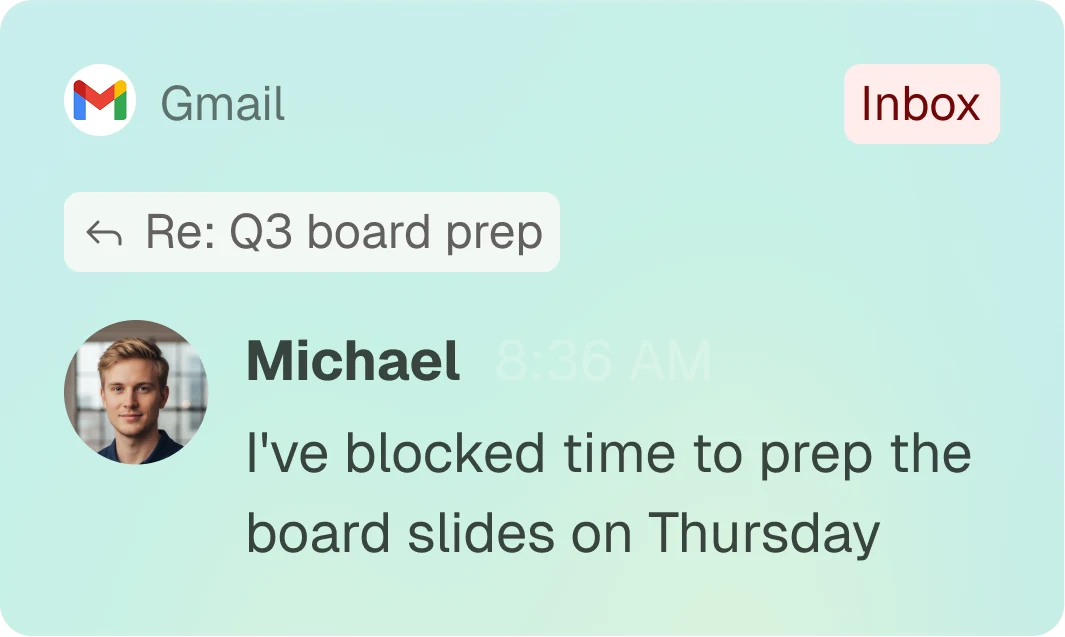
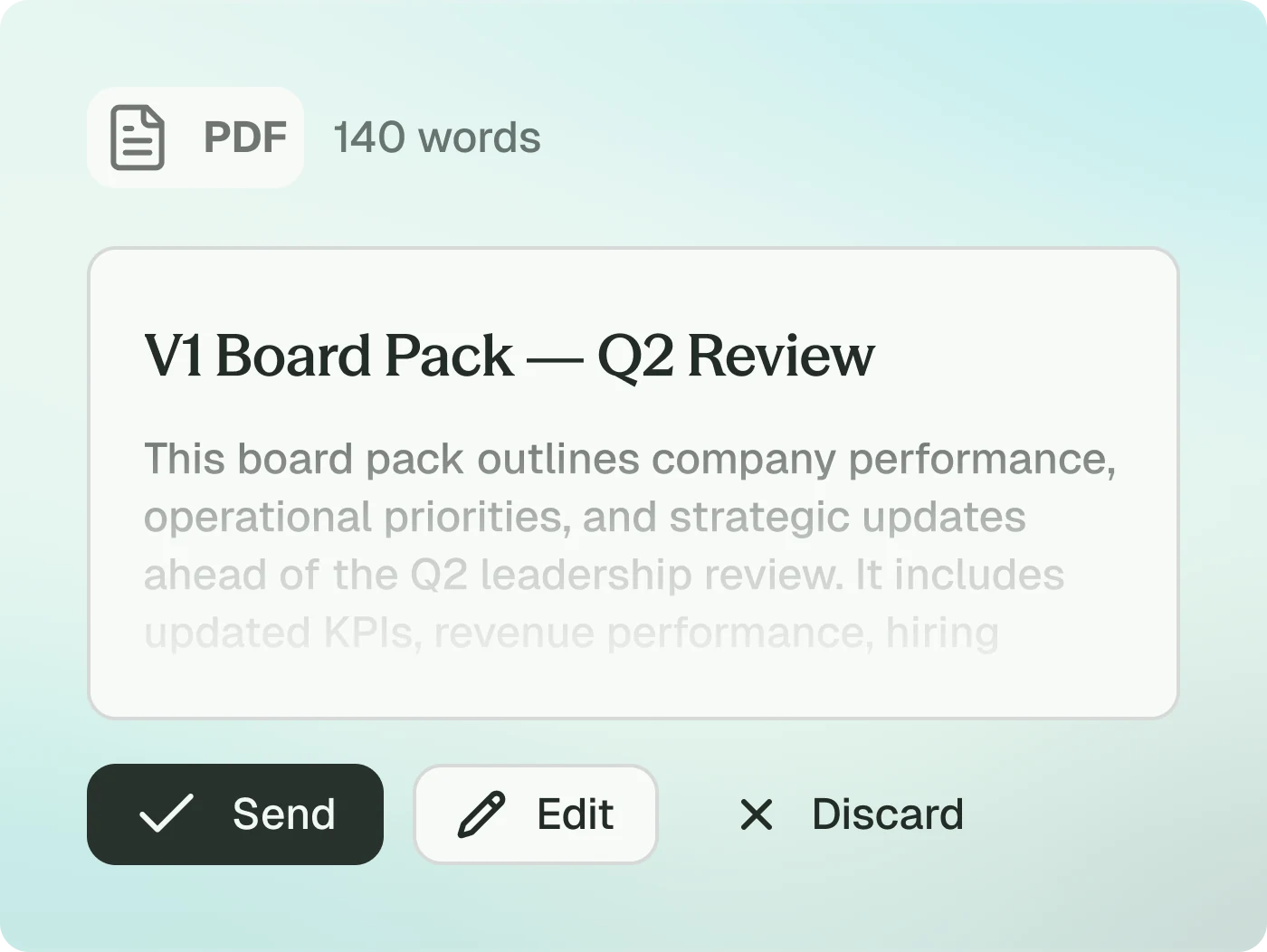
Asana is a work-management platform for teams. Its AI Teammates and Dash, pitched as an AI chief of staff, are at their best on work already modelled as Asana projects, and Dash now reads meetings, Slack and email to map decisions back to them. readywhen is built around one person, the owner. Email assistant@readywhen.ai and you have an account, with nothing to set up. It catches what you’ve promised and what others owe you across your email, calendar, meeting notes and chats, drafts the reply or the chase in your voice, and sends nothing without your OK.
Who this page is for
Hands-on business owners who don’t run their week in project boards and want someone to catch what they’ve promised, not another workspace to keep up to date.
What makes readywhen different
The core difference

readywhen’s model is you. It reads the email, calendar, meeting notes and chats you already use, catches what you’ve promised and who’s waiting on you, and comes to you with the next step drafted. You reach it by call, voice note, message or email.
You’ve solved “where does our team’s project work live?” You haven’t solved “who’s still waiting on me, and what did I promise them?”
Side by side
Feature comparison
Capability
At a glance
Primary job
Built around
How you reach it
Getting started
What it notices
Designed for

A personal assistant that catches what you’ve promised and drafts the next step
One person, the owner
Call, voice note, iPhone app, email, web or Slack
Email it and you have an account; nothing to build
Promises and chases across your email, calendar, notes and chats
Hands-on business owners
Asana
Team work management, with AI agents on Asana projects
A team and its projects
Inside Asana (web and mobile apps)
Model your work as Asana projects; configure custom Teammates
Blocked work, pending decisions and risks in Asana
Teams and enterprises that run projects in Asana
Where Asana excels
If your business already runs on Asana, its AI sits on structured project data (owners, due dates, dependencies) that readywhen doesn’t have. Multi-person governance, shared Teammates and checkpoint reviews are mature.
“For a team that plans in Asana, AI Teammates are a serious, well-built way to move project work forward.”
Where Asana and readywhen fit together
Asana pays off once your work lives in Asana projects, and most owners of 1 to 20 person businesses don’t run their week there. Dash’s morning view is about blocked Asana work rather than the client who asked for a quote yesterday, and the AI allowance included on Starter is 5 requests per user a month.
“The promises that slip for an owner are made on calls and in emails, not on project boards.”
Where owners use both
Keep Asana for the team’s project plan; readywhen keeps track of what you personally promised clients and suppliers, and drafts the chase.
“Asana holds the team’s plan; readywhen looks after the owner’s own promises and replies, the work that never becomes a task.”
FAQ
Doesn’t Asana Dash already act as a chief of staff?
For work in Asana, it does a good job: each morning it surfaces blocked items, pending decisions and priorities, and it reads meetings, Slack and email to map decisions back to projects. readywhen starts from you rather than a project: it catches what you’ve promised anywhere and has the reply or chase drafted.
Is readywhen a project management tool?
No. It has no boards, timelines or portfolios. It’s a personal assistant for the owner: it drafts replies and chases, preps you for meetings, manages your calendar and runs routines like a morning brief.
Do I need to set anything up?
No. Email assistant@readywhen.ai and your first email creates your account. Connect the tools you already use; there are no prompts, agents or workflows to build. Nothing goes out without your OK.
Should I choose Asana or readywhen?
It isn’t either/or. Asana does its job well; readywhen is the personal assistant that follows through on what comes out of it. Keep Asana and connect Asana, so what you agree actually gets done.