



Copilot is strongest with Microsoft work context: Outlook mail and calendar, Teams meetings, Word, Excel and PowerPoint. It drafts and acts where you already work, and anything outside Microsoft means connectors or Copilot Studio agents.
The Microsoft Copilot alternative for hands‑on business owners
Microsoft 365 Copilot is a strong assistant inside Outlook, Teams, Word, Excel and PowerPoint. readywhen is the personal assistant for hands-on business owners: call it, voice-note it, message it or email it, whether you run on Microsoft, Google or both.
Quick answer
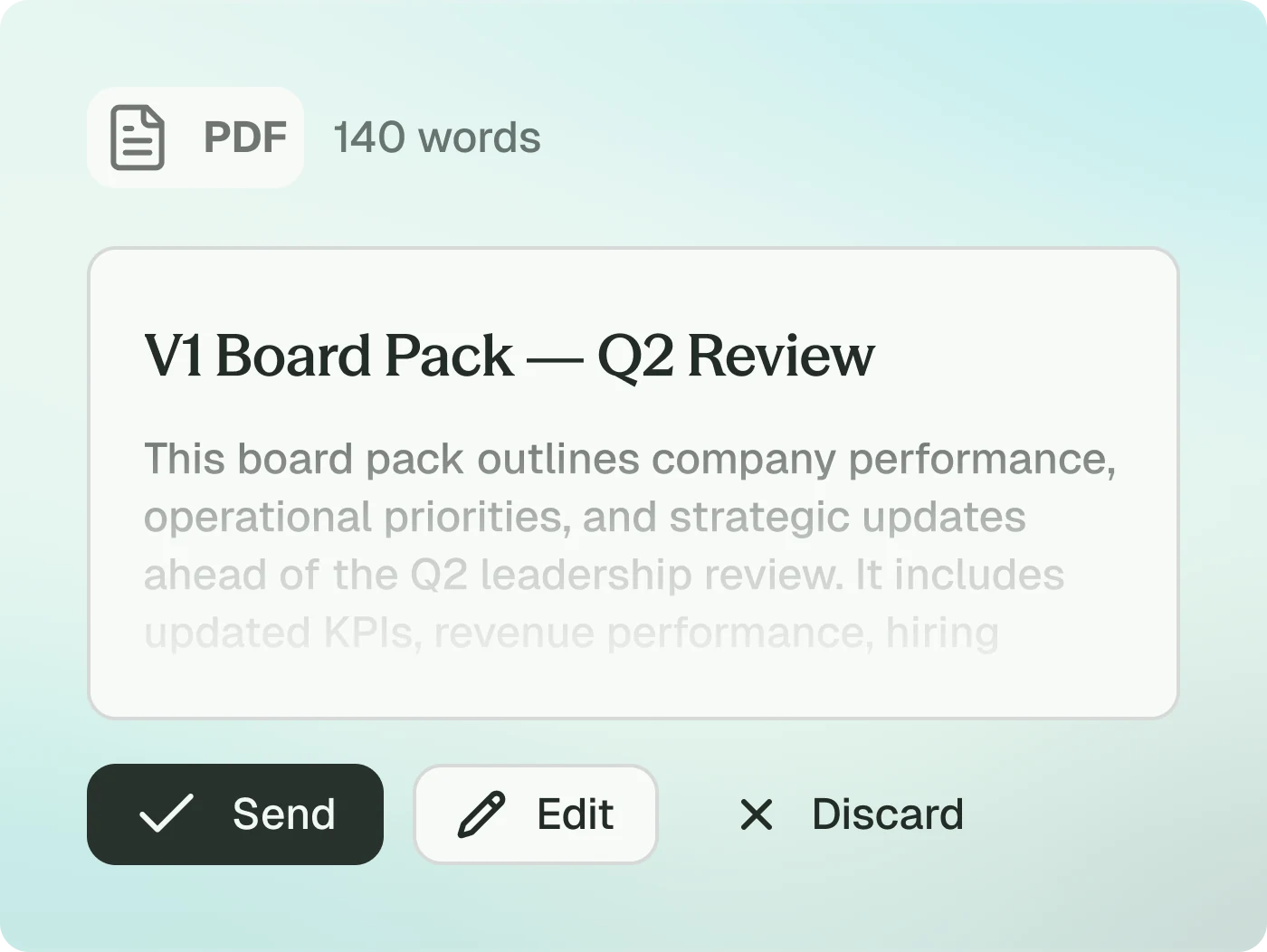
Microsoft 365 Copilot is AI inside the Microsoft apps, with Copilot Business as the add-on for smaller organisations. It drafts, analyses and edits Office documents natively, recaps Teams meetings, and an agentic Outlook mode that triages email is in early access. It assumes a Microsoft 365 tenant and an admin, and Gmail or Slack need extra setup. readywhen is built around one owner. Email it and you have an account. It works with Outlook and Teams as well as Gmail, Google Calendar and Slack, catches what you’ve promised, and has the next step drafted.
Who this page is for
Hands-on business owners on Microsoft 365, or a mix of Microsoft and Google, asking whether Copilot already gives them a personal assistant.
What makes readywhen different
The core difference

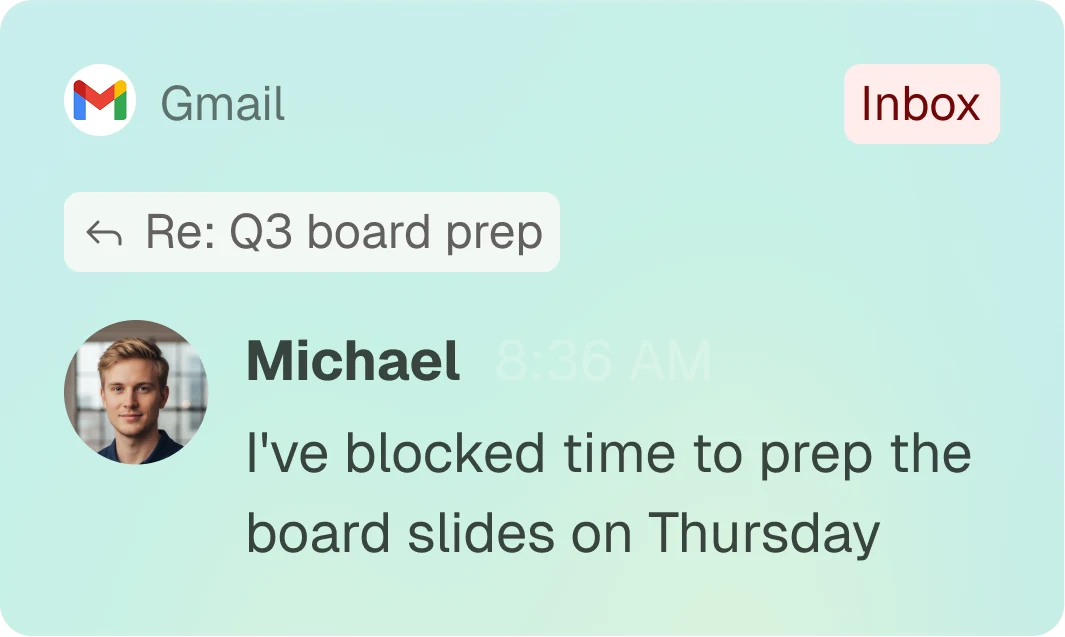
readywhen isn’t an Office feature. It’s a personal assistant you call, voice-note, message or email, that reads across Outlook, Gmail, your calendar, meeting notes and chats, and comes to you with what matters.
You’ve solved “help me draft this in Word.” You haven’t solved “tell me who’s waiting on me, and have the reply ready.”
Side by side
Feature comparison
Capability
At a glance
Primary job
Works with
How you reach it
Getting started
Proactive
Designed for

A personal assistant for the owner’s promises, replies and calendar
Outlook, Teams, Gmail, Google Calendar, Slack and more
Call, voice note, iPhone app, email, web or Slack
Email it and you have an account; nothing to build
Comes to you with what matters, out of the box
Hands-on business owners
Microsoft Copilot
AI inside the Microsoft 365 apps
Microsoft apps; others via connectors or Copilot Studio
Inside Office apps and the Copilot mobile app
A Microsoft 365 business plan, a Copilot licence and an admin
Outlook triage in early access; otherwise you prompt it
Organisations on Microsoft 365
Where Microsoft Copilot excels
For a business already on Outlook and Teams, Copilot is zero-install and sits in the existing Microsoft bill. It edits Office documents natively, recaps Teams meetings, and brings enterprise-grade security and compliance.
“If your day is spent in Word, Excel and Outlook, Copilot is the most natural assistant to have.”
Where Microsoft Copilot is different
Copilot assumes a Microsoft 365 tenant and an admin. Its proactive Outlook agent is early access only, it does little for Gmail, Google Calendar or Slack without building agents, and you can’t email it or call it.
“Copilot is built for someone at a desk in Office, not an owner who needs a quick answer between jobs.”
FAQ
Is readywhen a Copilot replacement?
Not for working inside Office. Copilot edits Word, Excel and PowerPoint natively and readywhen doesn’t. readywhen is a personal assistant that catches what you’ve promised across your tools and drafts the next step.
Does readywhen work with Outlook and Teams?
Yes. It connects to Outlook and Microsoft Teams, as well as Gmail, Google Calendar, Slack, Notion, Granola, Fathom and HubSpot.
Do I need an IT admin to set up readywhen?
No. Email assistant@readywhen.ai and your first email creates your account. There are no agents to build in Copilot Studio, and nothing goes out without your OK.
Should I choose Copilot or readywhen?
Pick by the job you need doing. Choose Copilot if your business runs on Microsoft 365 and someone can set Copilot up for you. Choose readywhen if you want a personal assistant across Microsoft and Google alike, with nothing to configure.