

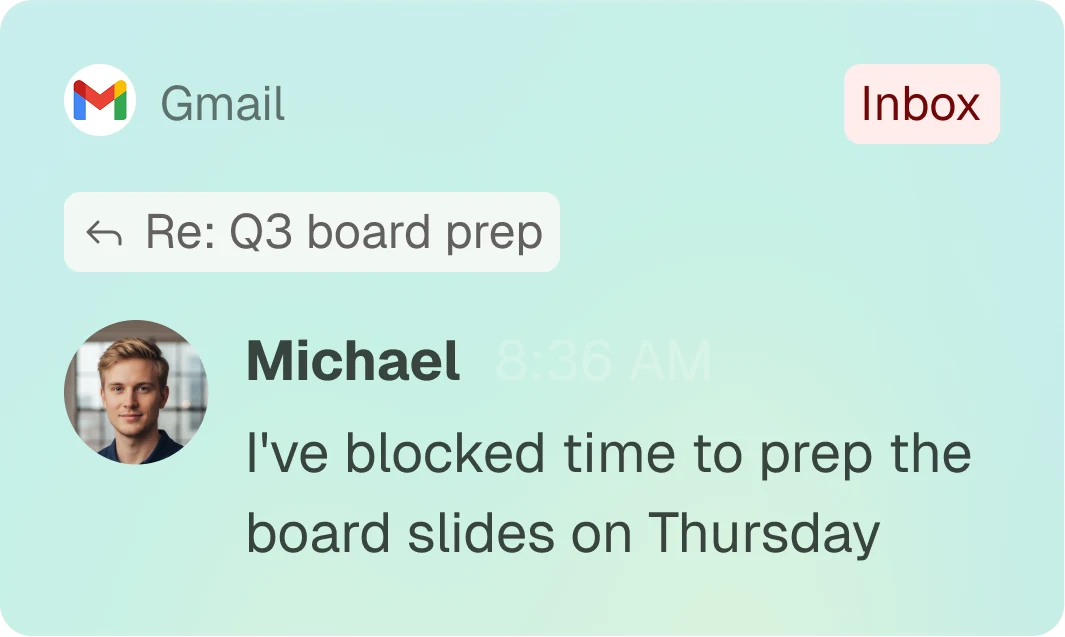


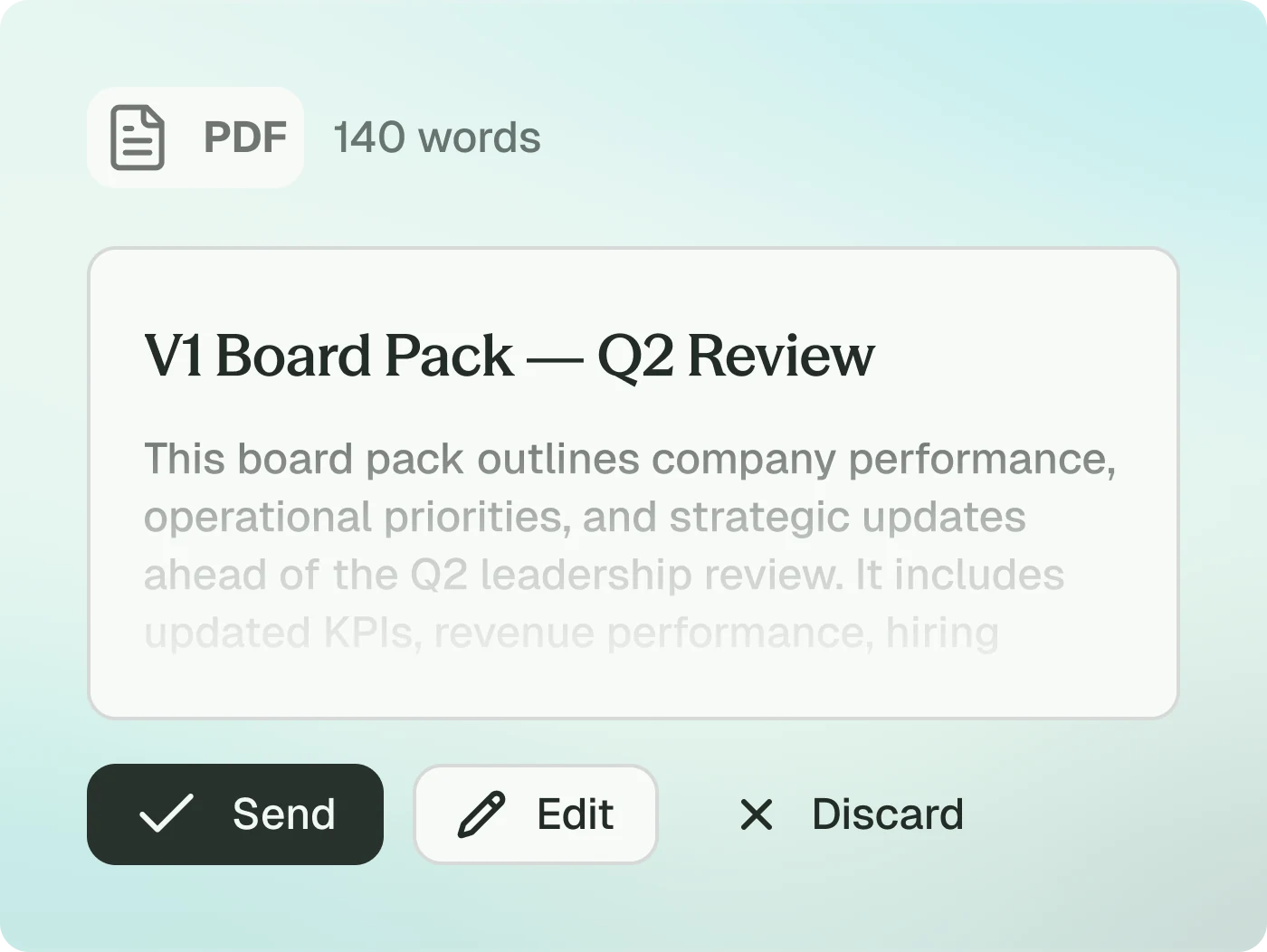
ClickUp is deep and configurable. Brain² works across tasks, docs, chat, calendar and email, with persistent memory you can edit, and Super Agents act from templates or a builder, asking for approval before high-impact actions like sending an email.
The ClickUp alternative for hands‑on business owners
ClickUp is an all-in-one work app, and Brain² pitches founders a personal chief of staff. readywhen is the personal assistant for hands-on business owners: call it, voice-note it, message it or email it, with nothing to adopt or build first.
Quick answer
ClickUp is the closest workspace rival to readywhen: Brain² sells email triage, calendar prep and follow-ups to founders, with editable memory, a built-in notetaker and Super Agents that run on schedules and triggers. The catch is that you adopt ClickUp as your operating system first, then configure agents, triggers and permissions, on metered credits. readywhen is built around one person, the owner. Email it and you have an account. It catches what you’ve promised across the tools you already use and comes to you with the next step drafted. (We compare ClickUp Brain² and Super Agents.)
Who this page is for
Hands-on business owners who want a chief-of-staff style assistant without moving the business into a new workspace or building agents.
What makes readywhen different
The core difference

readywhen asks for no new workspace and no agent setup. It reads the email, calendar, meeting notes and chats you already use, and you reach it by calling, voice-noting, messaging or emailing it, wherever you are.
You’ve solved “where do our tasks, docs and chat live?” You haven’t solved “who’s waiting on me, without building an agent to find out?”
Side by side
Feature comparison
Capability
At a glance
Primary job
Built around
How you reach it
Getting started
Proactive
Designed for

A personal assistant for the owner’s promises, replies and calendar
One person, the owner
Call, voice note, iPhone app, email, web or Slack
Email it and you have an account; nothing to build
Comes to you with what matters, out of the box
Hands-on business owners
ClickUp
All-in-one work app with Brain² and Super Agents
A workspace of tasks, docs and chat
Inside ClickUp (web, desktop and mobile apps)
Adopt ClickUp, then configure agents, triggers and permissions
Agents on schedules and triggers you set up
Teams, with a founder chief-of-staff use case
Where ClickUp excels
ClickUp openly sells email triage, calendar prep and follow-ups to founders. It has editable persistent memory you can import from ChatGPT or Claude, a built-in notetaker, a cheap entry tier, native mobile and desktop apps, and agents that can run proactively on schedules.
“Brain² is the most serious attempt by a work platform to be a founder’s chief of staff.”
Where ClickUp and readywhen fit together
It pays off once ClickUp is your operating system, and its proactivity mainly comes from agents and triggers you configure. There’s no documented way to email it a request, call it or voice-note it, and credits are metered.
“An owner who doesn’t want to adopt a workspace or build an agent gets little from ClickUp’s AI.”
Where owners use both
Keep ClickUp for the team’s tasks and docs; readywhen looks after what you personally promised, and drafts the reply or chase.
“ClickUp runs the team’s projects; readywhen covers the owner’s own follow-ups, with nothing to configure.”
FAQ
Isn’t ClickUp Brain² already a personal chief of staff?
That’s its pitch, and it’s a real one: email triage, meeting prep, follow-ups and editable memory. The difference is setup. ClickUp works once your work lives in ClickUp and you’ve configured agents and triggers. readywhen works from the email, calendar and notes you already use, with nothing to build.
Is readywhen a ClickUp replacement?
No. It has no tasks, docs or project views. If your team runs on ClickUp, keep it; readywhen is the owner’s personal assistant alongside it.
How do I reach readywhen?
Call it, voice-note it or message it in the readywhen iPhone app, email assistant@readywhen.ai, use the web app, or message it in Slack. Nothing goes out without your OK.
Should I choose ClickUp or readywhen?
It isn’t either/or. ClickUp does its job well; readywhen is the personal assistant that follows through on what comes out of it. Keep ClickUp and connect ClickUp, so what you agree actually gets done.