

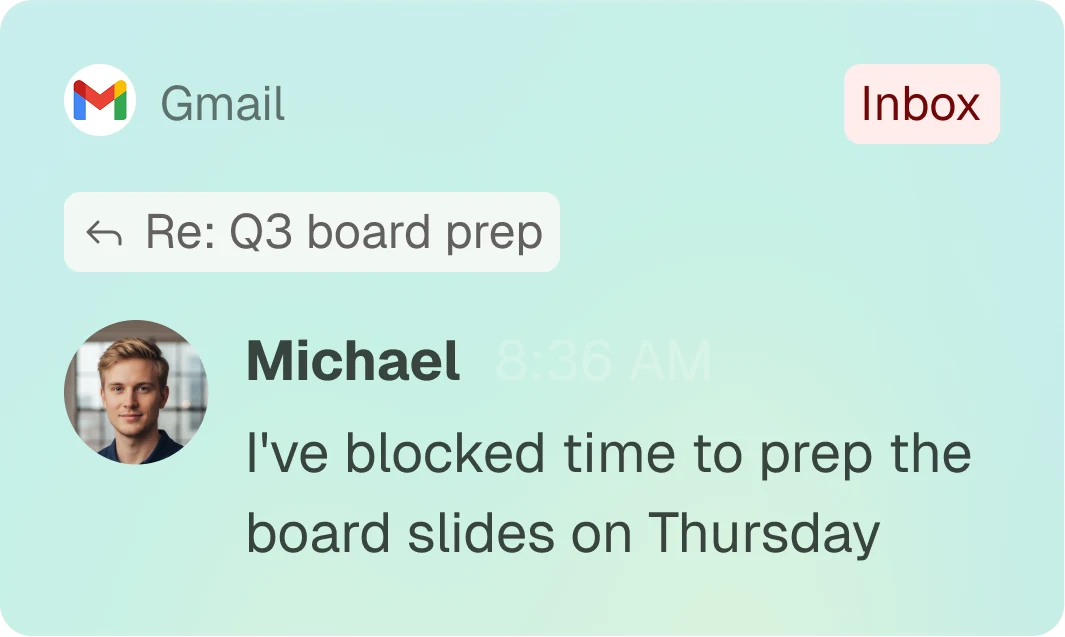


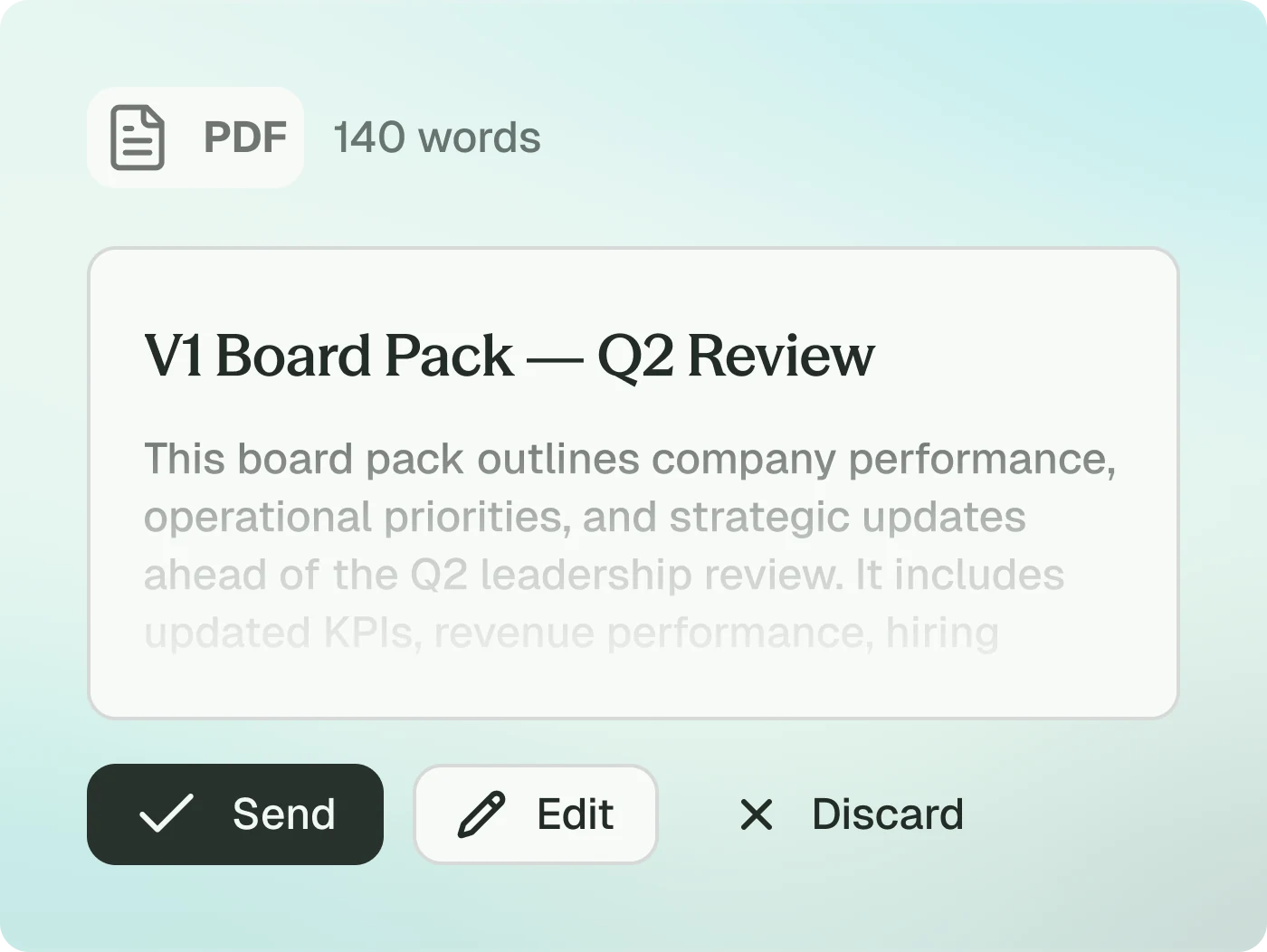
Alfred is email-first and focused: it watches up to six inboxes and your calendar, flags replies you owe, texts you a morning brief and before each meeting, and lets you approve a draft with a one-character reply. It also keeps a wiki of your clients and projects.
The Alfred AI alternative for hands‑on business owners
Alfred (alfred_) watches your email and calendar and keeps what needs you on one list. readywhen is the personal assistant for hands-on business owners: it catches what you’ve promised across email, calendar, meeting notes and chats, and you can call it, voice-note it, message it or email it.
Quick answer
Alfred and readywhen share a lot: you email them, they send a morning brief, they draft replies and nothing goes out until you say so. Alfred is built around a busy client inbox, with texting, an iPhone app and a client wiki, from $29.99 a month. readywhen is built around the whole of a hands-on owner’s day: it catches promises in email, calendar, meeting notes and chats, drafts briefs and documents as well as replies, and you can phone it or send a voice note. Email it and you have an account.
Who this page is for
Hands-on business owners comparing Alfred with readywhen, and asking whether an inbox-centred assistant covers enough of their day.
What makes readywhen different
The core difference

readywhen looks wider than the inbox: meeting notes, chats and 1,400+ further tools from chat. It knows what you’ve promised and what others owe you, drafts the reply, the chase, the brief or the document in your voice, and you can call it or voice-note it when typing isn’t practical.
You’ve solved “keep on top of my client inbox.” You haven’t solved “what did I agree on that call, and has the supplier sent it yet?”
Side by side
Feature comparison
Capability
At a glance
Primary job
What it watches
How you reach it
What it drafts
Tools it works in
Designed for

Personal assistant for one owner
Email, calendar, meeting notes and chats
Call, voice-note, iPhone app, email, web, Slack
Replies, chases, briefs and documents
1,400+ from chat
Hands-on business owners
Alfred AI
Persistent assistant for your client inbox
Email (up to six accounts) and calendar
Email, iMessage, RCS, SMS, iPhone app, Slack, Teams
Mainly email replies
30+, including HubSpot and Salesforce
Client-facing teams handling 100+ emails a day
Where Alfred AI excels
Alfred is a well-focused product. You can text it today on iMessage, RCS or SMS, approve a draft with “1” or a thumbs-up, and get a text before every meeting. It handles six inboxes including iCloud, keeps a client wiki, links to your CRM and works inside Claude and ChatGPT.
“For an owner whose business lives in a heavy client inbox, Alfred is a sharp, well-designed fit.”
Where Alfred AI is email-first
Alfred is centred on email: the fewer client emails you get, the less it has to work with. There’s no phone channel, and it connects to about 30 tools, so promises made on calls, in notes or in other apps can fall outside its view.
“Alfred watches your inbox closely; readywhen watches everywhere you make promises.”
FAQ
How is Alfred different from readywhen?
Both are personal assistants you email, with a morning brief and approval before anything sends. Alfred centres on your client inbox and texting. readywhen also reads meeting notes and chats, drafts briefs and documents, and you can call it or send it a voice note.
Can I text readywhen like Alfred?
You can message readywhen in its iPhone app or in Slack, call it, send it a voice note or email it. Alfred is reached by email, iMessage, RCS, SMS, its iPhone app, Slack and Teams.
How do I start?
Email assistant@readywhen.ai: your first email creates your account. Connect your email and calendar and it gets to work. Alfred starts with a 7-day trial on a paid plan and a short setup.
Should I choose Alfred or readywhen?
Pick by the job you need doing. Choose Alfred if you want a text-first assistant focused on your inbox and calendar. Choose readywhen if you want a personal assistant you can call, voice-note, message or email, that catches what you’ve promised across email, calls, meetings and chats.