



Motion’s strength is dynamic scheduling: give it tasks and it intelligently places and reshuffles them on your calendar.
The best Motion alternative for execs who need follow-through
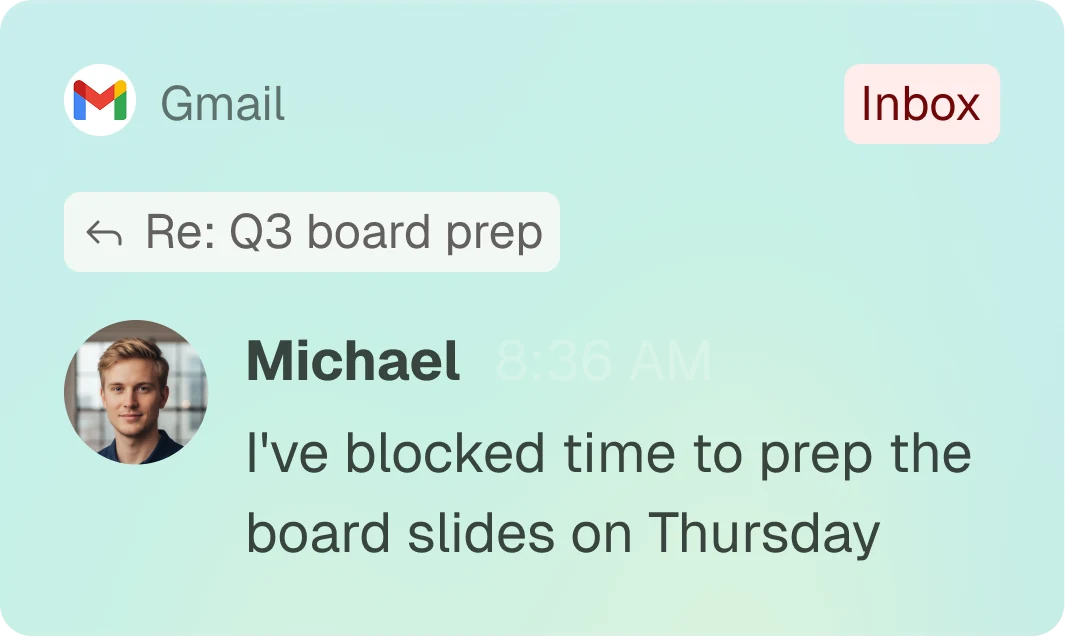
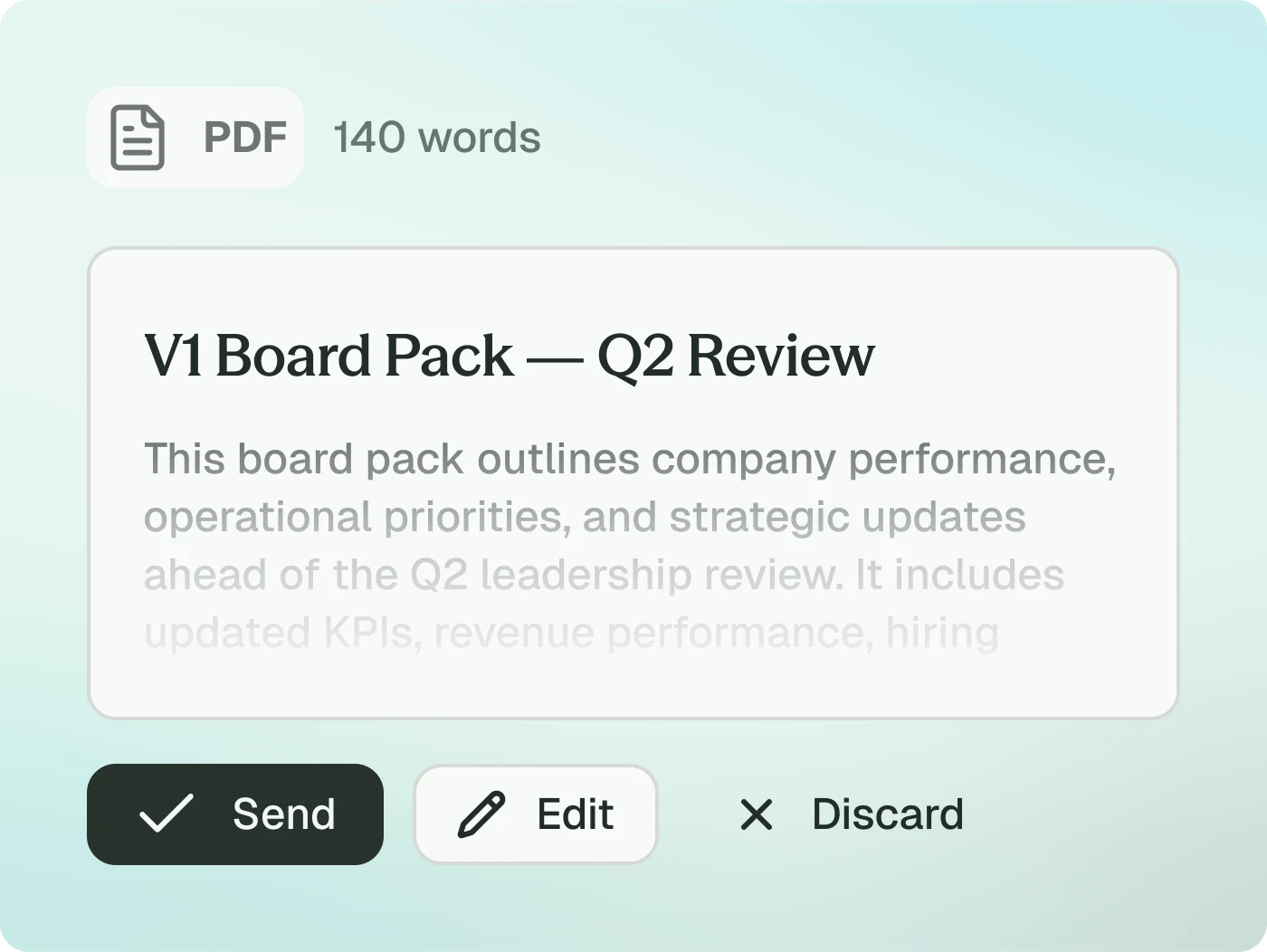
Motion automatically builds your day around tasks you input. readywhen does the part before that — automatically capturing the commitments so there’s nothing to input and nothing to learn.
Quick answer
Motion is good at automatically scheduling the tasks you input — though it has a learning curve and depends on you entering tasks correctly. readywhen does the part before that: it automatically captures the commitments buried in your email, Slack and meetings, with zero build and no learning curve. Adjacent but different jobs.
Who this page is for
Executives weighing AI scheduling against an execution layer — and wondering which actually reduces dropped balls.
What makes readywhen different
The core difference

readywhen automates the step before that — capturing what needs doing from the conversation itself, automatically, then owning and chasing it to done.
Motion schedules what you input, once you’ve learned it. readywhen captures the commitment for you — no input, no learning curve.
Side by side
Feature comparison
Capability
At a glance
Primary job
Input
Learning curve
Chases owners / closes loops
Buyer

Auto-capture commitments + drive follow-through
Captured automatically from email, Slack, meetings
None — works on connect
Yes
Leaders who lose commitments across conversations
Motion
Auto-schedule the tasks you input
You enter tasks manually
Steep, by user accounts
Schedules your known tasks
People who know their tasks but not their schedule
Where Motion excels
For people who know their task list but can’t protect time for it, Motion’s automatic scheduling is genuinely effective. readywhen doesn’t try to be a scheduler.
“Motion is strong at scheduling tasks you’ve entered. readywhen captures the commitment in the first place — a different job.”
Where Motion is built for a different job
Motion schedules tasks you input and takes time to learn; readywhen captures the commitment from the conversation automatically, with no learning curve.
“that has a pretty steep learning curve … Provided I did the inputting of the tasks correctly”
Don’t take our word for it
External sources — or the vendor’s own documentation — confirming the limitations described above. Quoted verbatim, linked to source.
“that has a pretty steep learning curve … Provided I did the inputting of the tasks correctly”
FAQ
Doesn’t Motion manage tasks?
It schedules tasks you enter. It doesn’t find them in your email, Slack or meetings — that’s readywhen’s job.
Is readywhen a calendar app?
No — it’s a commitment-execution layer, not a scheduler.
Should I choose Motion or readywhen?
Pick by the job you’re solving. Choose Motion if your problem is “I know what to do but can’t make time for it.” Choose readywhen if your problem is “things agreed in email/Slack/meetings never get captured or chased.” They’re built for different jobs, so most buyers pick the one that matches the gap they actually have.